

Integrating Documentation Tools
|
April 29, 2026
|

4 Steps to Choose the Right Manual Authoring Software for Your Team
Key Highlights
- Conduct a needs assessment by gathering input from team members and management to understand specific requirements for record-keeping tools.
- Define clear documentation goals to enhance collaboration and accessibility with the manual authoring software.
- Identify current pain points in existing documentation processes, such as version control and user engagement, to prioritise necessary features.
- Consider future needs for scalability in documentation efforts as team size and requirements evolve.
- Evaluate user interface and ease of use, as a user-friendly design can significantly improve productivity and reduce document versioning issues.
- Select software with robust collaboration tools to support real-time document editing among multiple users, enhancing team performance.
- Ensure the software has solid version control capabilities to track changes and maintain document history for compliance.
- Cheque integration capabilities with existing tools to streamline workflows and reduce redundancy in document management.
- Assess export options to ensure the software can publish manuals in various formats, enhancing accessibility.
- Evaluate user experience through client feedback, training resources, and customer support options like chat and email.
- Set a clear budget considering initial and ongoing costs, and compare different pricing models offered by vendors.
- Be aware of hidden costs associated with extra users or premium features to avoid unexpected expenses.
- Request demos or free trials to assess the software's usability and features before making a financial commitment.
Introduction
Choosing the right manual authoring software can feel like navigating a complex maze, right? With so many options out there, it’s easy to get overwhelmed. But don’t worry! This guide is here to help you figure out exactly what you need, evaluate the must-have features, and keep an eye on your budget. We want to make sure the software you choose fits perfectly with your operational goals.
Now, you might be wondering: what are the critical factors that can make or break your decision-making process? Let’s dive into that and explore how to make this choice a little easier!
Identify Your Business Needs for Manual Authoring Software
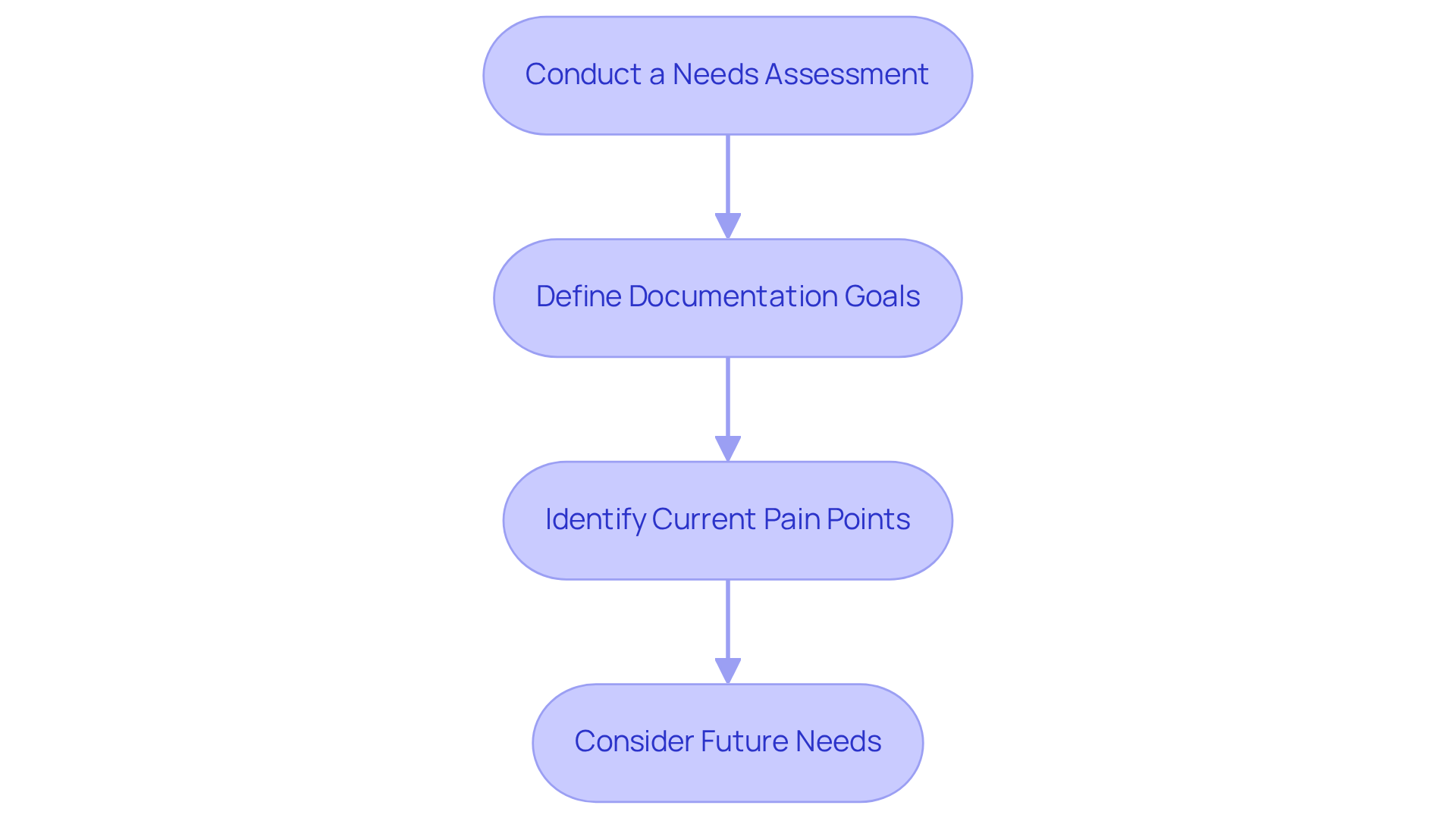
- Conduct a Needs Assessment: You might be wondering where to start. Well, it all begins with gathering input from everyone involved in the records process. This means chatting with team members who will actually use the software and management who might have specific compliance or reporting needs. Surveys or interviews can be great tools for this. Did you know that 66% of organizations have performed needs evaluations for record-keeping tools? That really shows how crucial this step is! Plus, a report states that '90% of knowledge workers perceive automation as a job enhancement tool.' This just highlights how important efficient record-keeping processes are.
- Define Documentation Goals: So, what do you want to achieve with your manual authoring software? Are you looking to make manual authoring software a breeze, enhance collaboration among your team, or perhaps improve the accessibility of your materials? Getting clear on your goals is key!
- Identify Current Pain Points: Let’s take a closer look at your existing documentation processes. Are there any hiccups with version control, accessibility, or user engagement? Understanding these pain points will help you prioritize the features you need in the system you choose. Remember, [effective records require evaluations that often reveal crucial areas for improvement](https://servicenow.com/products/it-operations-management/automation-statistics.html), ensuring the software you pick addresses real issues.
- Consider Future Needs: Now, think about how your record-keeping needs might change down the line. Will you need to scale up your documentation efforts? Is your team likely to grow? Make sure the program you choose can adapt to future demands.
Evaluate Key Features of Manual Authoring Software
- User Interface and Ease of Use: You might be wondering how to pick the right applications for your team. Look for ones with an intuitive interface that makes things easy to navigate. A user-friendly design can really boost productivity-after all, 90% of businesses face challenges with document versioning, often because their interfaces are too complex. Plus, did you know that 83% of employees end up recreating missing documents due to these versioning headaches? That’s why having a well-designed UI is so crucial in tackling these issues.
- Collaboration Tools: Now, let’s dive into collaboration tools. It’s super important to choose a platform that supports real-time collaboration, letting multiple users work on documents at the same time. This is a game-changer for teams that need input from various stakeholders. With 76% of the workforce using collaboration tools, it’s worth noting that 73% of employees who collaborate report better performance. Clearly, robust collaboration features are a must-have!
- Version Control: You might be asking, "What about version control?" Make sure the application you choose has solid version control capabilities. This feature helps you track changes and keep a history of document revisions, which is essential for compliance and quality assurance. Remember, 83% of employees recreate missing documents because of versioning issues, so effective version control can really help you avoid those pitfalls.
- Integration Capabilities: Speaking of that, let’s talk about integration capabilities. Check how well the software works with other tools your team already uses, like project management software or content management systems. Seamless integration can really streamline your workflows and cut down on redundancy. It’s surprising that only 26% of document and records management systems integrate with other core applications, which can be a real headache for many businesses.
- Export Options: Finally, consider the export options available. What formats can you use to publish your manuals? Being able to export in multiple formats (like PDF, HTML, etc.) can make your materials much more accessible. With 85% of businesses relying on PDFs for sharing because they’re so efficient, having versatile export options is definitely a big plus.

Assess User Experience and Support Options
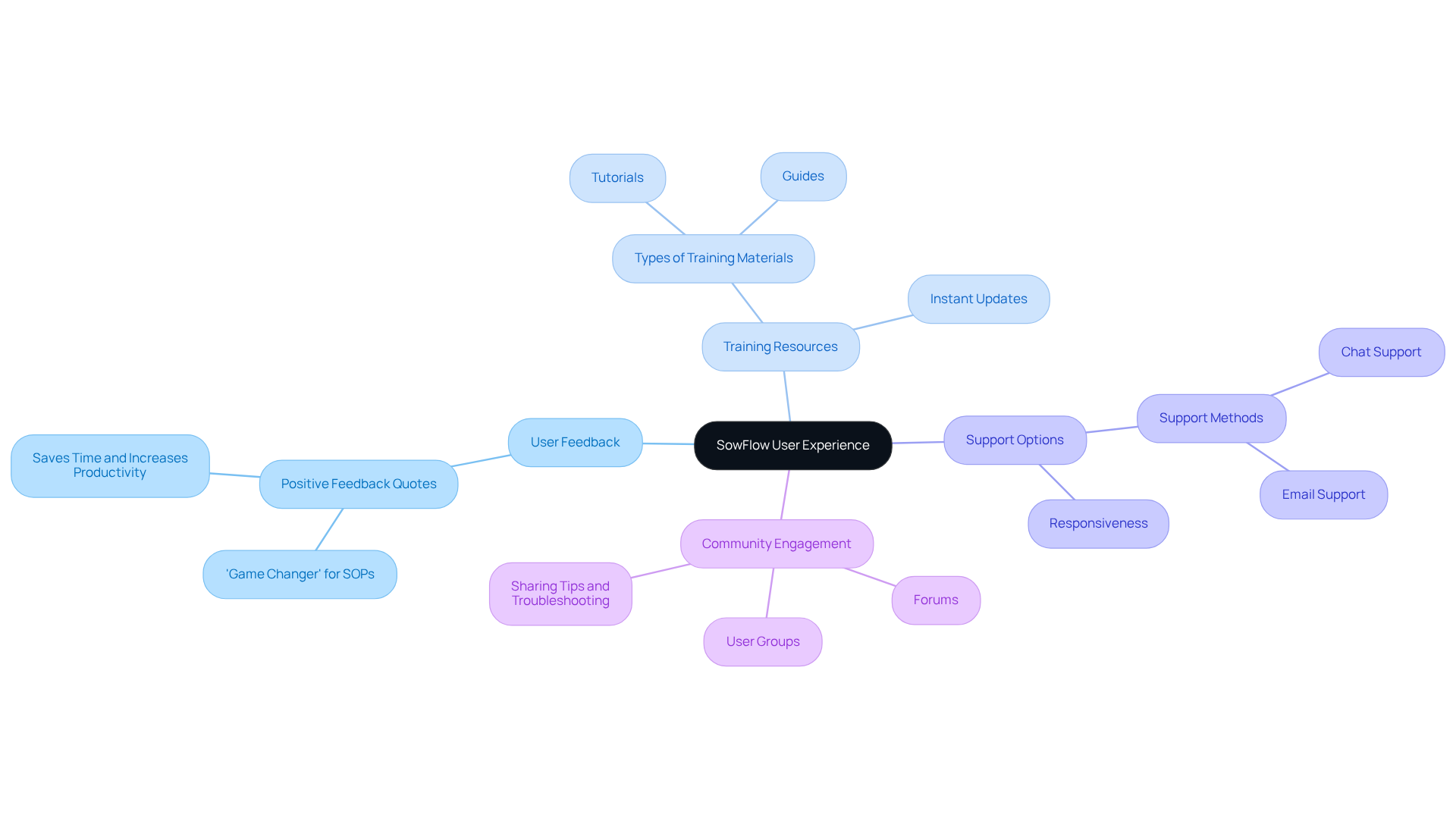
You might be wondering how SowFlow is making waves in the world of record-keeping. Well, let me tell you, the feedback has been overwhelmingly positive! Clients are calling the manual authoring software a 'game changer' for creating Standard Operating Procedures (SOPs) and training materials. Imagine being able to document your work without the hassle of juggling separate screenshots or hopping in and out of your browser. This simplicity not only saves time but also ramps up productivity, enabling teams to focus on what really matters instead of getting bogged down by paperwork through manual authoring software.
Now, let’s talk about the training resources that SowFlow brings to the table. They offer a treasure trove of tutorials and guides that help your team get up to speed in no time. This means a smooth transition to the platform, maximizing all the great features it has to offer. Plus, creating guides with manual authoring software is a breeze, and you can make instant updates to keep everything fresh in our fast-paced business world.
Customer support? Oh, they’ve got that covered too! SowFlow provides a variety of support options, like chat and email, so help is just a click away when you need it. This kind of responsiveness is a lifesaver during those crunch times when efficient documentation is crucial.
And let’s not forget about the vibrant community of users. Joining forums and user groups is a fantastic way to swap tips, troubleshoot issues, and learn from each other’s experiences. It’s all about empowering your team to make the most of the program, and with SowFlow, you’re definitely in good company!
Consider Budget and Pricing Models
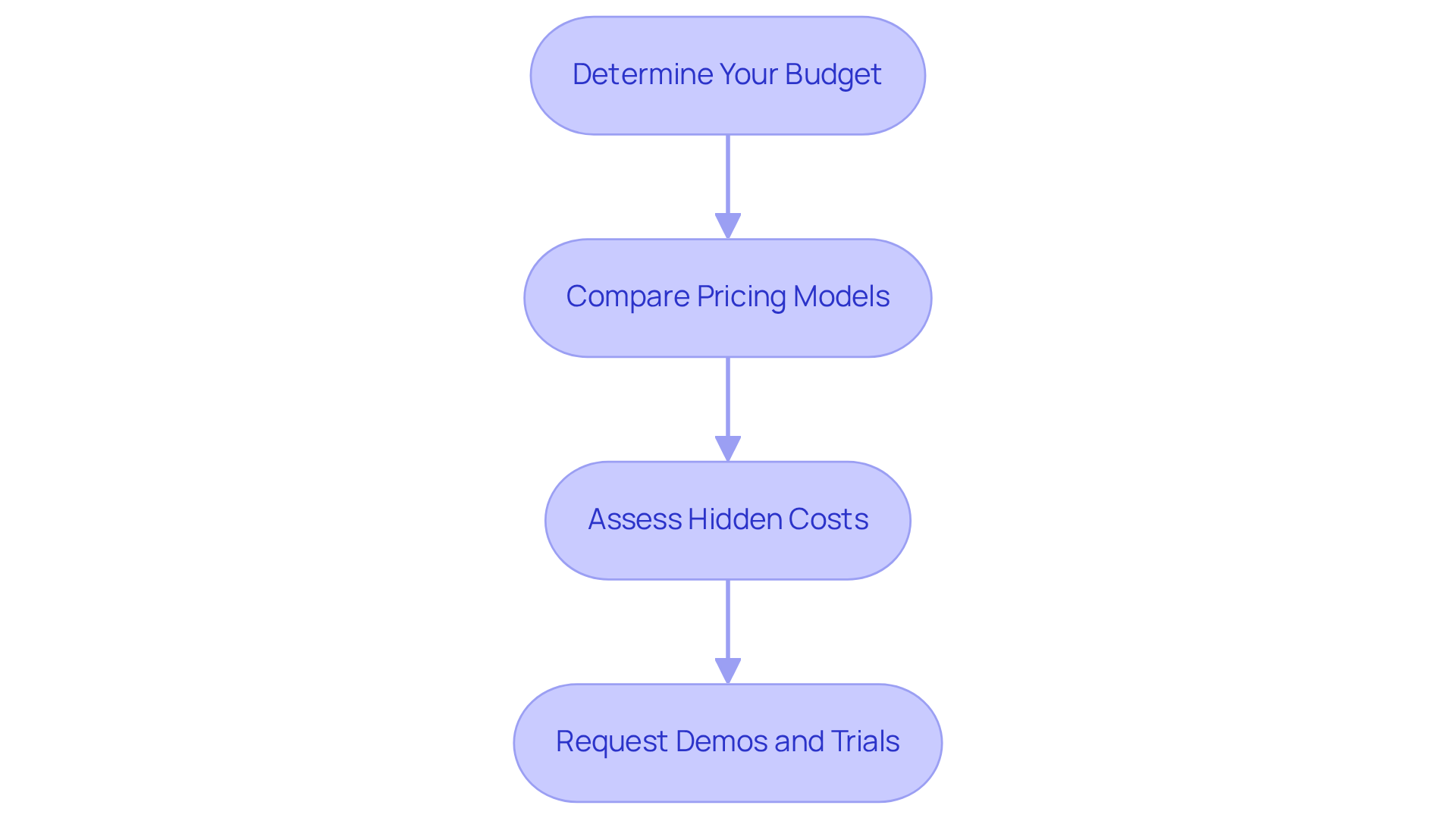
- Determine Your Budget: So, you might be wondering how to kick things off? Start by setting a clear budget for your manual authoring software. Don’t forget to factor in both the initial costs and those sneaky ongoing expenses like subscription fees or maintenance costs. A well-defined budget helps you allocate resources effectively and steer clear of overspending.
- Compare Pricing Models: Next up, let’s talk about pricing models. It’s important to assess the different structures that application vendors offer. You’ve got options like subscription-based pricing, one-time purchases, and pay-per-user fees. Picking a model that fits your budget and expected usage is key to keeping things cost-effective and ensuring you’re happy in the long run.
- Assess Hidden Costs: Now, here’s a tip: keep an eye out for hidden costs. These can pop up unexpectedly, like fees for extra users, premium features, or support services. By understanding the full scope of expenses, you can avoid those surprise financial burdens and ensure that your investment in manual authoring software aligns with your operational needs.
- Request Demos and Trials: Before you make that final decision, why not ask for some demos or free trials from service providers? Getting hands-on experience lets you check out the software’s features and usability, ensuring it meets your team’s needs without any upfront financial commitment. Sounds good, right?
Conclusion
Choosing the right manual authoring software? That’s a big deal! It can really make a difference in how efficiently your team works. By taking a moment to think about what your business needs, checking out key features, and keeping an eye on your budget, you can find a tool that fits your goals and boosts your documentation process.
So, where do you start? First off, gather some input from your team and management. You might be wondering why this matters - well, defining clear documentation goals and pinpointing any current headaches is crucial. Plus, thinking ahead about what you might need in the future can save you a lot of hassle down the road. Don’t forget to look at user experience, collaboration tools, version control, and integration capabilities. These features are essential for effective manual authoring software. And yes, budget matters too! Exploring different pricing models can help you make a smart choice.
At the end of the day, picking the right software isn’t just about what it can do; it’s about empowering your team to collaborate and work more efficiently. By following these steps and keeping both current and future needs in mind, you can tackle the software selection process with confidence. So, why not take action today? Assess your team’s needs and explore the best options out there to enhance your manual authoring processes!
Frequently Asked Questions
What is the first step in identifying business needs for manual authoring software?
The first step is to conduct a needs assessment by gathering input from everyone involved in the records process, including team members who will use the software and management with specific compliance or reporting needs.
How can I gather input from my team regarding software needs?
You can gather input through surveys or interviews to understand the requirements and preferences of the users and management.
Why is conducting a needs assessment important?
Conducting a needs assessment is crucial because it helps ensure that the chosen software meets the actual needs of the organization, as evidenced by the fact that 66% of organizations have performed such evaluations for record-keeping tools.
What should I define when considering manual authoring software?
You should define your documentation goals, such as improving the ease of manual authoring, enhancing team collaboration, or increasing the accessibility of materials.
What are current pain points I should identify in my documentation processes?
Current pain points may include issues with version control, accessibility, or user engagement that need to be addressed to ensure the software chosen effectively resolves these challenges.
Why is it important to consider future needs when selecting manual authoring software?
It's important to consider future needs to ensure that the software can adapt to changes in documentation efforts or team growth, allowing for scalability and flexibility in the long term.
👍
What others are liking


5 Steps to outline your ideal documentation structure
5 MINS READ
Where to start the your journey of mapping out your ideal documentation structure, aligning it with the very heartbeat of your organization?
Defining a winning level of detail in your process
3 MINS READ
What is too much detail, and what is too little? This article described in that winning level detail about what detail is enough.


