

Automation and Documentation
|
March 9, 2026
|

4 Best Practices for Creating an Effective Digital Handbook
Key Highlights:
- Conduct thorough user research to understand audience needs using surveys, interviews, and focus groups.
- Incorporate key topics like onboarding processes and training materials based on user feedback.
- Design intuitive information architecture with a logical hierarchy, descriptive headings, and visual aids to enhance navigation.
- Regularly evaluate the information architecture to improve usability and address navigational issues.
- Utilise clear and engaging content presentation by using straightforward language and incorporating visuals to boost retention.
- Implement a system for regular updates and maintenance to keep content aligned with current policies and industry standards.
- Assign team members for content updates and track changes to ensure the handbook remains relevant and effective.
- Involve employees in the review process to enhance the digital handbook's effectiveness.
Introduction
You might be wondering how to create a digital handbook that really resonates with users. Well, it takes more than just throwing information together; it’s all about a strategic approach that gets to the heart of what users need. By focusing on some best practices - like doing thorough research, designing intuitive navigation, and presenting content clearly - organizations can turn their manuals into engaging and effective resources.
But here’s the kicker: how do you make sure these handbooks not only meet today’s demands but also adapt as needs change? In this article, we’ll explore some essential strategies for crafting a digital handbook that stands the test of time and truly enhances user experience. So, let’s dive in!
Conduct Comprehensive Research on User Needs
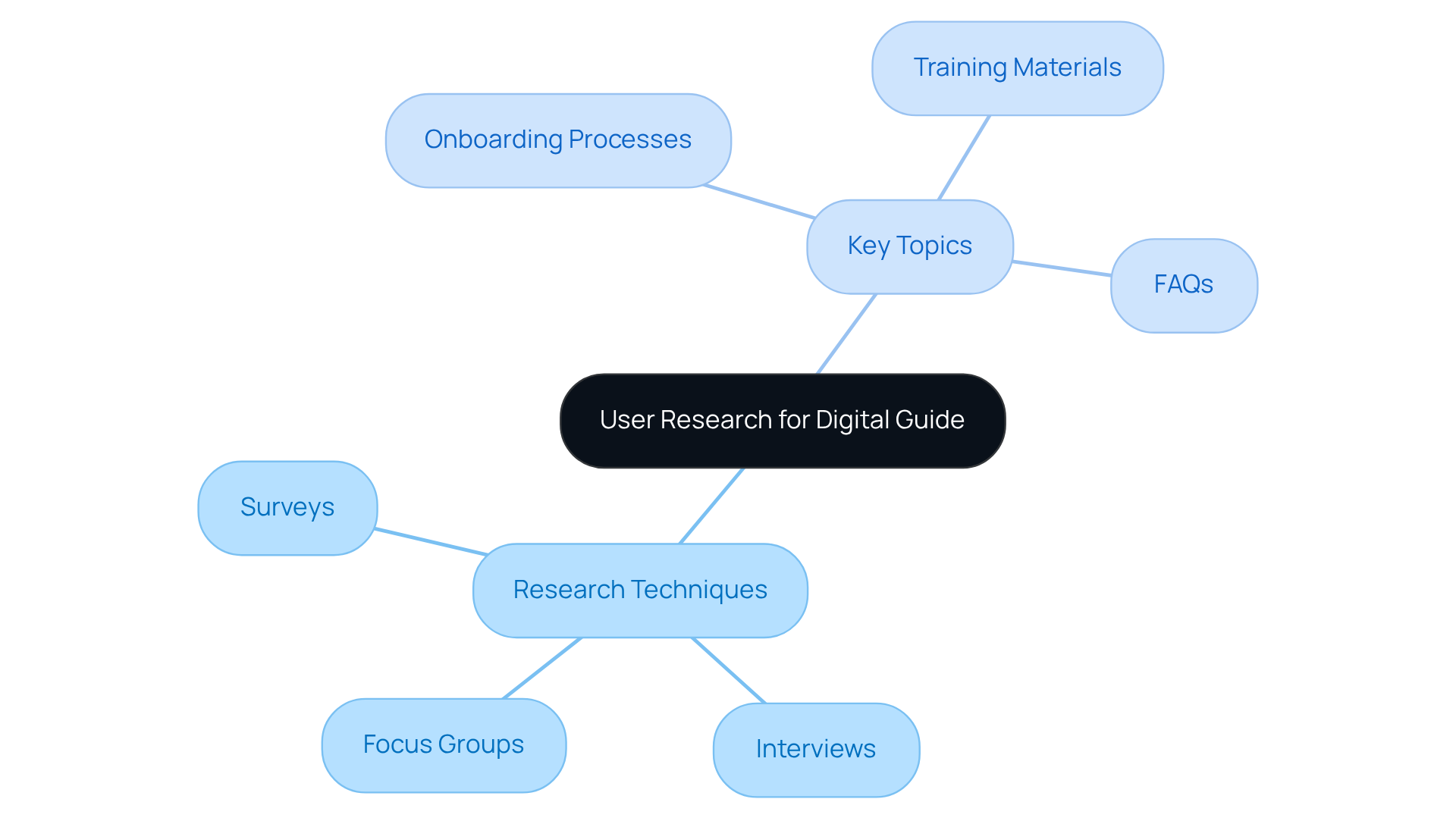
Creating an effective digital guide? You might be wondering where to start! Well, it all begins with some solid research. You want to really get to know your audience - their needs, their preferences. Techniques like surveys, interviews, and focus groups can be super helpful here. They let you gather valuable insights into what participants expect from your manual. Think about key topics like onboarding processes, training materials, and those pesky frequently asked questions. This research not only helps you prioritize the material that resonates with people but also ensures that your guide meets their specific needs. The result? A more engaging and useful resource!
Now, let’s look at a real-world example. A company recently revamped its staff manual and decided to chat with employees. Guess what they found out? People wanted more visual aids and step-by-step guides for those complex processes. By adding these elements, the company saw a boost in customer satisfaction and a drop in inquiries about the manual's content. This just goes to show how user feedback can really shape the effectiveness of the digital handbook, making it more user-friendly and functional. So, what do you think? How could you apply this approach to your own documentation challenges?
Design an Intuitive Information Architecture
An intuitive information architecture is key to ensuring the success of your digital handbook. You might be wondering how to get started, right? Well, it all begins with setting up a logical hierarchy that organizes your content into clear sections and subsections. Descriptive headings and subheadings will guide your readers effortlessly through the material. And hey, don’t forget about visual elements! Things like flowcharts or infographics can really help clarify complex processes and boost understanding.
For example, a tech company revamped its guide by adopting a modular structure, which made navigation a breeze. They added dropdown menus and a powerful search feature, and guess what? They saw a whopping 40% increase in engagement with their manual! It’s super important to regularly evaluate your architecture with real users to spot any navigational hiccups. This way, you can make the necessary tweaks to keep your digital handbook accessible and efficient.
Now, here’s something to think about: did you know that 88% of people are less likely to revisit a site after a negative experience? That really highlights how crucial usability is for keeping customers coming back. Plus, 92% of folks prefer websites that are easy to navigate, which just reinforces the need for intuitive design. Regular testing can lead to a 34% boost in task completion rates, showing just how valuable feedback can be for navigation. And let’s not overlook accessibility - 68% of websites still don’t meet WCAG standards, which underscores the importance of inclusive design in your information architecture.

Utilize Clear and Engaging Content Presentation
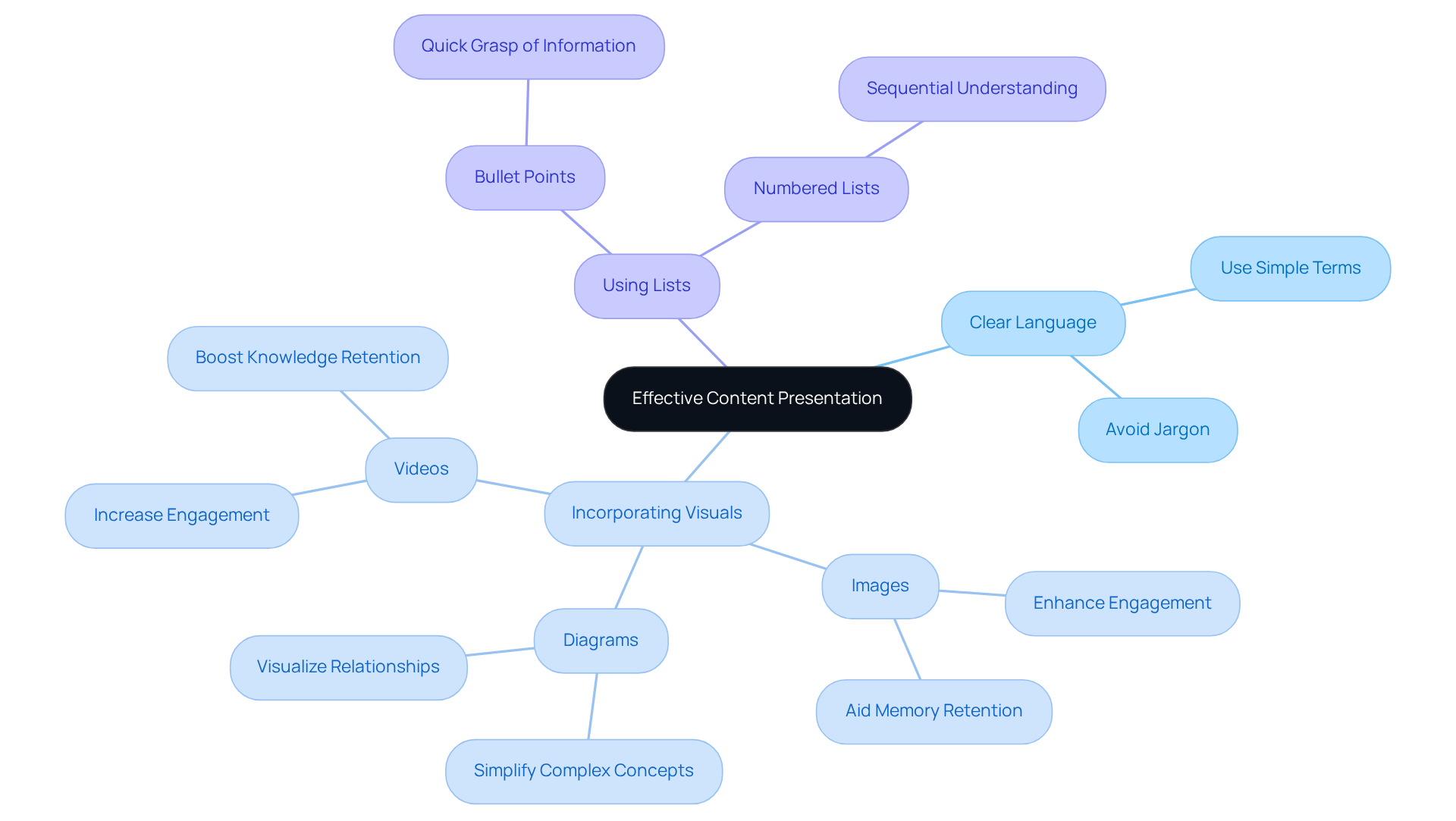
Are you creating an effective digital handbook? Let’s talk about how to make your content clear and engaging! First off, using straightforward language is key - nobody wants to wade through jargon, right? And here’s a fun fact: incorporating visuals like images, diagrams, and videos can really amp up the learning experience. They break up the text and help illustrate those important concepts. Research shows that visuals can boost knowledge retention by up to 400%! That’s huge, making them a must-have for any training material.
Now, you might be wondering how to make your content even easier to digest. Well, bullet points and numbered lists are your friends! They help people quickly grasp the important stuff. For example:
- A healthcare organization revamped its training manual by adding videos and infographics alongside written instructions.
- The result? A more engaging experience and a 30% reduction in training time! Talk about a win-win!
So, by adopting these strategies, you can ensure your digital handbook is not just informative but also highly engaging. Ready to give it a shot?
Implement a System for Regular Updates and Maintenance
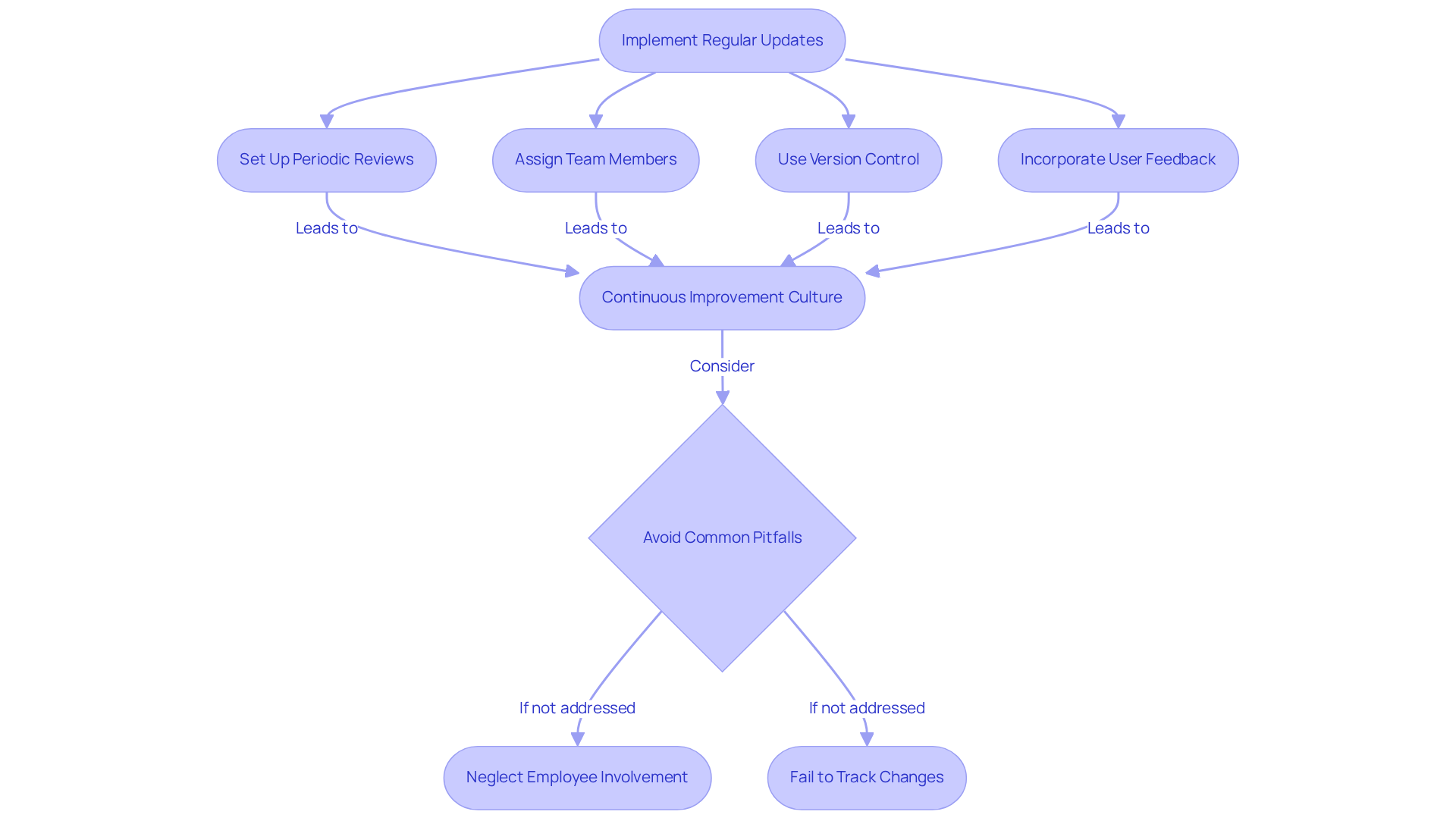
You might be wondering how to keep your digital guide effective, right? Well, it all starts with a solid plan for regular updates and maintenance. Think about setting up periodic reviews of your content to make sure it aligns with the latest policies, procedures, and industry standards. It’s also a good idea to assign specific team members to handle updates and use version control to keep track of changes.
For example, a financial services company decided to implement a quarterly review for its staff manual. They even incorporated user feedback to pinpoint areas that needed a refresh. This proactive approach didn’t just keep the guide current; it also created a culture of continuous improvement, which led to happier staff and better adherence to the guidelines. And get this: a survey of 2,065 small businesses found that companies with updated staff manuals are one-third more likely to see growth compared to those without. That really highlights how crucial regular updates are for keeping your documentation relevant.
But hey, it’s not all smooth sailing! Organizations should be cautious of common pitfalls when managing a digital handbook. For instance, neglecting to involve employees in the review process or failing to track changes can really undermine the digital handbook's effectiveness. So, what’s your plan for keeping your documentation fresh and engaging?
Conclusion
Creating an effective digital handbook really comes down to understanding what users need and presenting that information in a clear, engaging way. You might be wondering how to make this happen, right? Well, by focusing on research, intuitive design, and keeping things updated, organizations can build resources that not only inform but also enhance the user experience. This approach turns a standard manual into a valuable tool that truly resonates with its audience.
So, what are some key strategies to consider? First off, conducting thorough user research helps tailor content effectively. Then, think about designing an intuitive information architecture that makes navigation a breeze. And don’t forget about using engaging content presentation techniques - visuals and straightforward language can work wonders! Plus, having a system for regular updates ensures that your handbook stays relevant and meets the ever-changing needs of users.
Ultimately, the success of a digital handbook hinges on its ability to adapt and respond to user feedback. By embracing these best practices, organizations can create digital handbooks that not only serve as informative resources but also foster a culture of continuous improvement and engagement. So, why wait? Taking action now to implement these strategies will lead to a more effective and user-friendly digital handbook that stands the test of time.
Frequently Asked Questions
Why is conducting research on user needs important when creating a digital guide?
Conducting research on user needs is crucial because it helps you understand your audience's preferences and expectations, ensuring that the guide meets their specific needs and becomes a more engaging and useful resource.
What research techniques can be used to gather insights about user needs?
Techniques such as surveys, interviews, and focus groups can be used to gather valuable insights into what participants expect from the manual.
What key topics should be considered during the research phase?
Key topics to consider include onboarding processes, training materials, and frequently asked questions.
How did a company benefit from revamping its staff manual based on user feedback?
The company found that employees wanted more visual aids and step-by-step guides for complex processes. By adding these elements, they saw an increase in customer satisfaction and a decrease in inquiries about the manual's content.
What is the overall impact of user feedback on the effectiveness of a digital handbook?
User feedback can significantly shape the effectiveness of a digital handbook, making it more user-friendly and functional by aligning it with the actual needs and preferences of the users.
👍
What others are liking


5 Steps to outline your ideal documentation structure
5 MINS READ
Where to start the your journey of mapping out your ideal documentation structure, aligning it with the very heartbeat of your organization?
Defining a winning level of detail in your process
3 MINS READ
What is too much detail, and what is too little? This article described in that winning level detail about what detail is enough.


